


Define the Space
Start with the room, available footprint, desk dimensions, storage needs, and the way the workspace needs to move between tasks.


Enter keywords to explore workspace solutions.
Our Approach
Alignora approaches the workspace as a connected system. We look at the space itself, the way the body interacts with it, the technology that lives inside it, and the small details that can make everyday work feel more comfortable and controlled.

A workspace can look polished and still feel difficult to use. That is why our approach starts with practical questions: Is there enough room? Are screens positioned well? Does the chair support the way someone sits? Are cables, files, and devices easy to manage?
From there, the right furniture and accessories can work together as one environment instead of becoming a collection of disconnected additions.
Start with the room, available footprint, desk dimensions, storage needs, and the way the workspace needs to move between tasks.
Look at screen height, laptop position, keyboard angle, mouse movement, foot support, and the way the body changes position throughout the day.
Create clearer zones for documents, charging, cables, tools, and frequently used accessories so the work surface stays easier to navigate.
Finish the setup with lighting, privacy, and comfort products that support focus and make the workspace feel more intentional.
Layer One
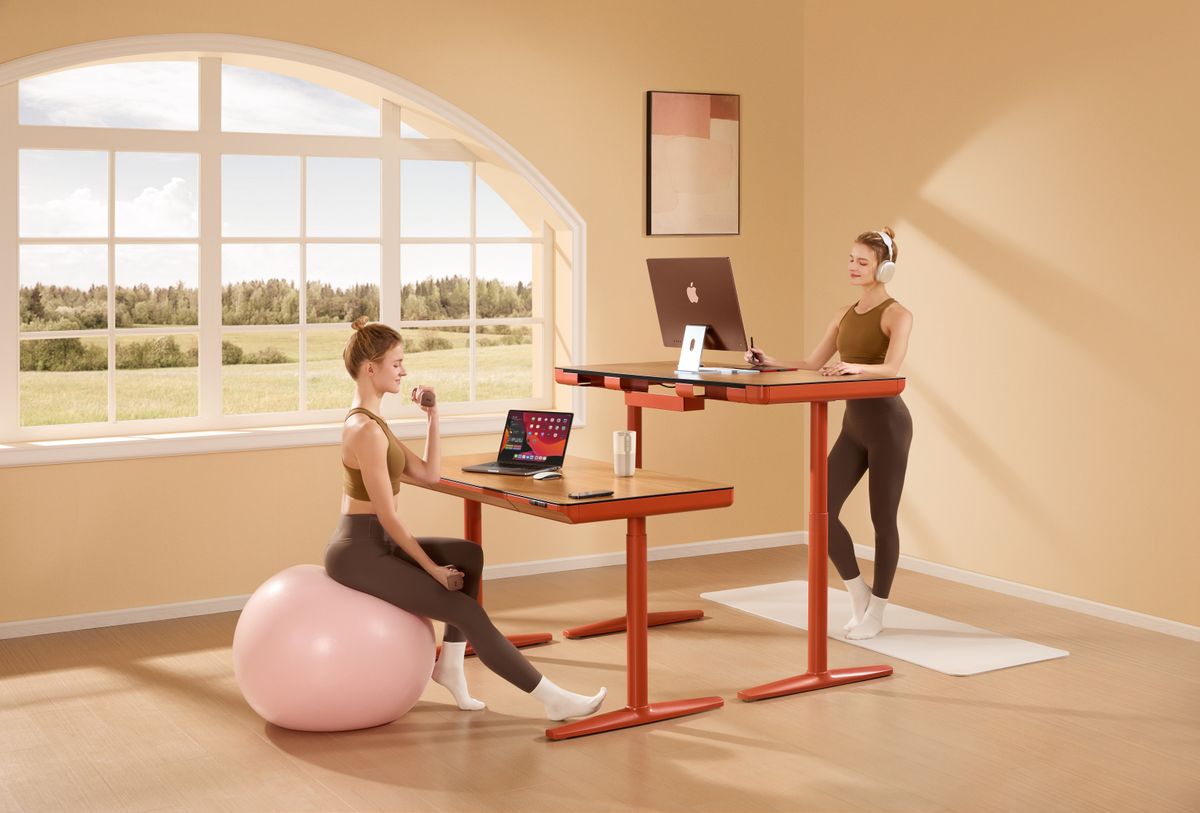
The desk and seating define the working zone. We think about available room, movement, storage, screen placement, and whether the setup needs to shift between sitting, standing, focused work, or shorter tasks.
Choose furniture that makes efficient use of the available room without crowding the workspace.
Consider how often the working position changes and whether adjustable furniture adds useful flexibility.
Leave enough room for screens, input devices, lighting, documents, and everyday tools.
Once the desk and seating are right, the smaller ergonomic and organizational decisions become easier to make.
Layer Two
Ergonomic improvements work best when they are connected. Screen position affects the neck. Input placement affects the hands and arms. Foot and seat support influence how the body settles into the chair. Our approach considers those relationships together.


Layer Three
A workspace often becomes difficult to manage because the technology around it grows faster than the organization. We look at cables, charging, files, accessories, and frequently used tools as part of the setup from the beginning.
Organizers and trays create clear locations for the smaller items used throughout the day.
File holders help prevent paperwork from taking over the main working surface.
Charging stations reduce scattered power connections and create a clearer device zone.
Thoughtful cable management keeps cords controlled while preserving practical access to devices.
Selection Thinking
Our approach is not about filling a desk with accessories. It is about choosing products that solve a specific workspace need and make sense alongside the rest of the setup.
Start with the need instead of beginning with the product category.
Consider dimensions, positioning, compatibility, and the surrounding workspace.
Look for a practical improvement in comfort, organization, movement, focus, or access.
Favor products that remain relevant as the workspace changes and evolves.
The Full Workspace
The same method connects the full Alignora assortment, from large furniture decisions to the smallest tools that shape comfort, organization, and focus.
Beyond the Setup
The workspace may be carefully considered, but the shopping experience should stay simple. Alignora supports each order with clear delivery expectations, flexible returns, and help whenever it is needed.
Every Alignora product includes free shipping.
Standard order delivery is 3–5 calendar days.
Free returns and exchanges are available within 30 days.
Customer assistance remains available around the clock.
Need Workspace Guidance?
If you are comparing products, planning a workspace, reviewing an order, or need help with shipping, a return, or an exchange, Alignora support is available 24/7.